 MarineVerse Blog
MarineVerse Globe Update: Motor, Anchor, Night Sky and Ocean Shipping
Ahoy sailors,
A passage is more than the miles you cover under sail. There are calms, approaches to port, decisions about where to stop, and quiet hours watching the sky.
Our latest MarineVerse Globe updates bring more of those moments into your voyage: an electric motor, anchoring, an interactive night sky, a weather station in the cabin, and ocean shipping with busier ports. You can also sail Globe in your browser.
The next Globe Race, St John’s to the Confederation Bridge, starts at 2115 UTC on November 15. Register for the race →
A motor for the parts of the passage that need it
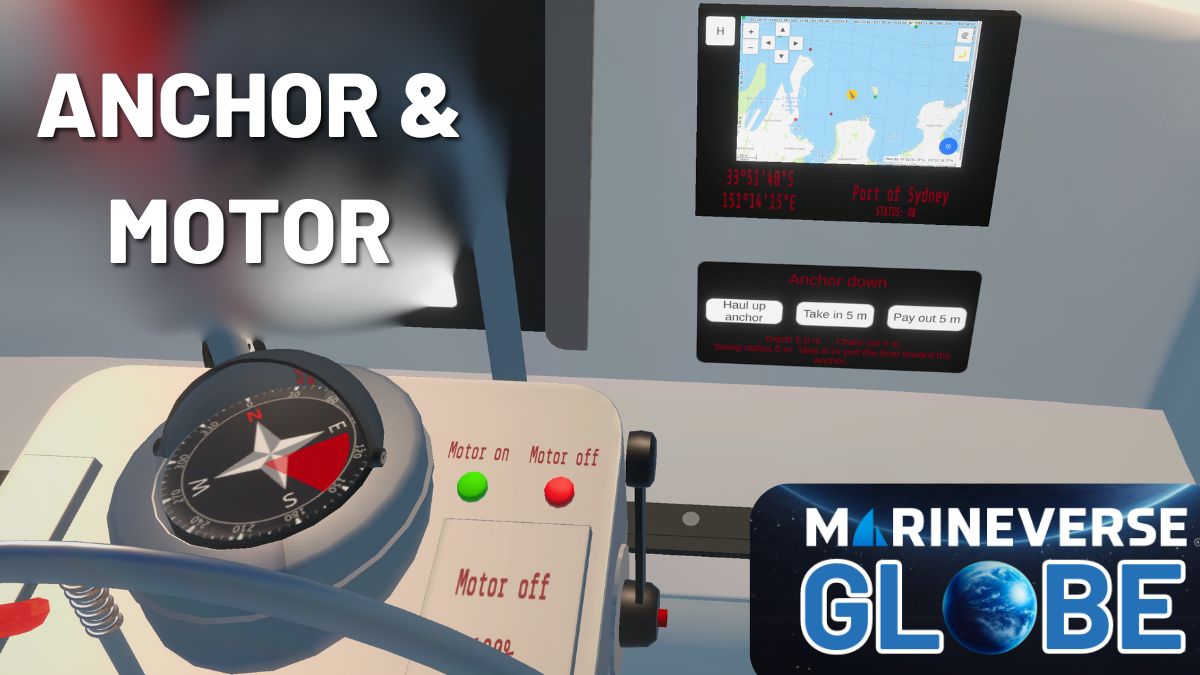
Your Globe boat now has an electric motor. Use forward or reverse throttle when you need power, whether you are working through a calm or manoeuvring near your destination.
In the app, open Quick Menu → Sailing → Start motor, then set the throttle. In VR, there is also a throttle beside the steering wheel. On Steam PC, Ctrl+E toggles the motor and Ctrl+W/S adjusts throttle. On the website, open your boat’s Motor panel.
The motor uses a battery and stops when that battery is empty. Charging comes from solar, sailing with the motor off, and shore power in port.
Settle in at anchor
Anchoring is an explicit boat state, separate from lowering your sails. You can drop anchor near shore or a port where the controls allow it. Raising the sails does not retrieve the anchor, so check both before you leave.
On the website, use Anchor → Retrieve anchor. In the app, use Quick Menu → Globe → Anchor controls → Haul up anchor. The motor update builds on the distinction between anchoring, sailing and motoring. You can also motor within your anchor’s swing circle.
Get to know the night sky
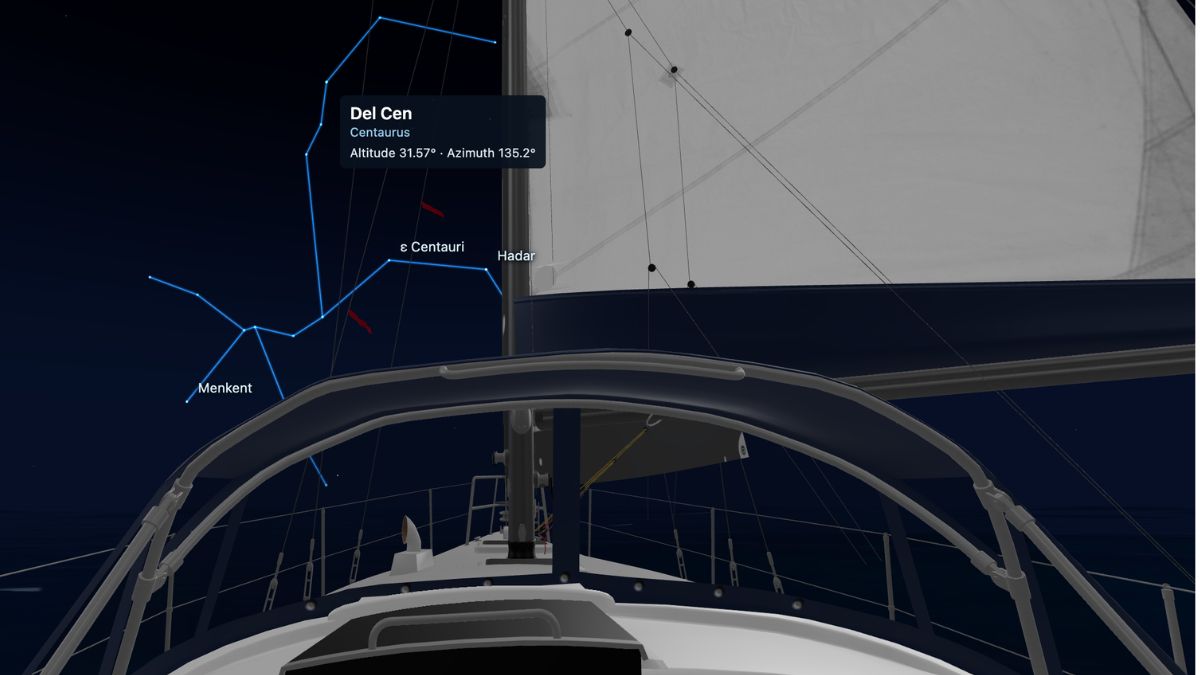
Point at a star to see its name, then hold your pointer there to reveal its constellation. Visibility changes with weather, moonlight and how close you are to port. The night sky is available on Quest, Steam and in your boat’s browser 3D view.
Check the cabin weather station
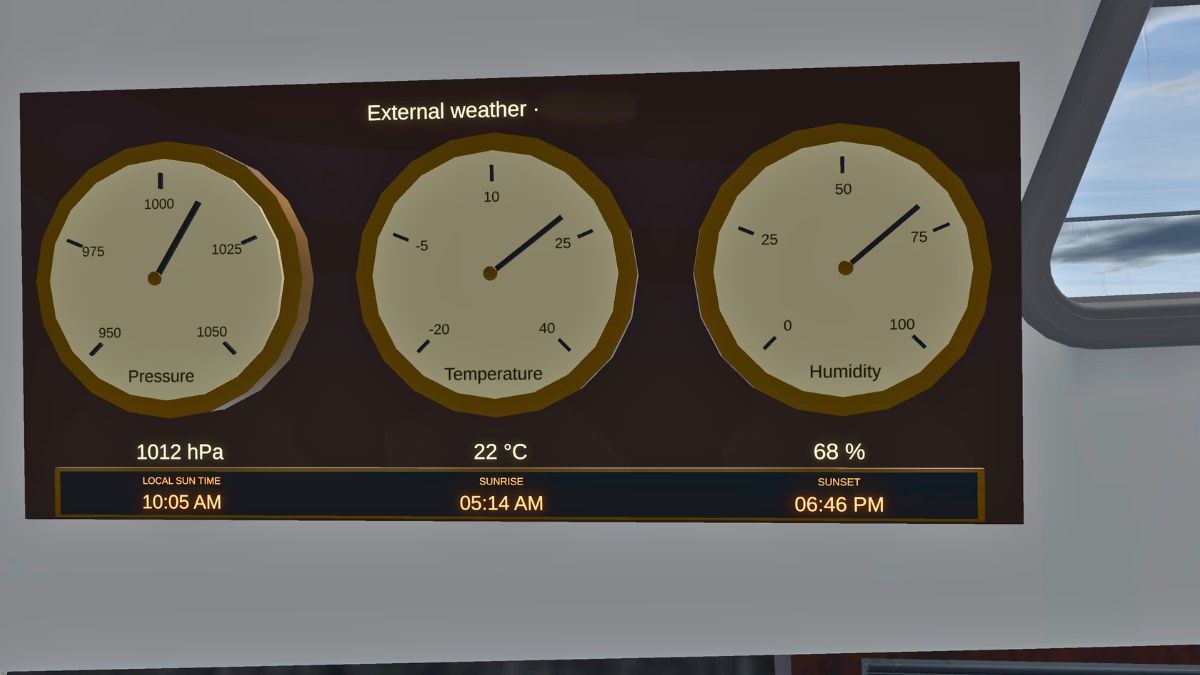
Above the navigation station, the weather station shows local solar time, sunrise and sunset, air pressure, temperature and humidity. Before heading back on deck, you can check how long remains until daylight or when the sun will set.
Share the ocean with shipping
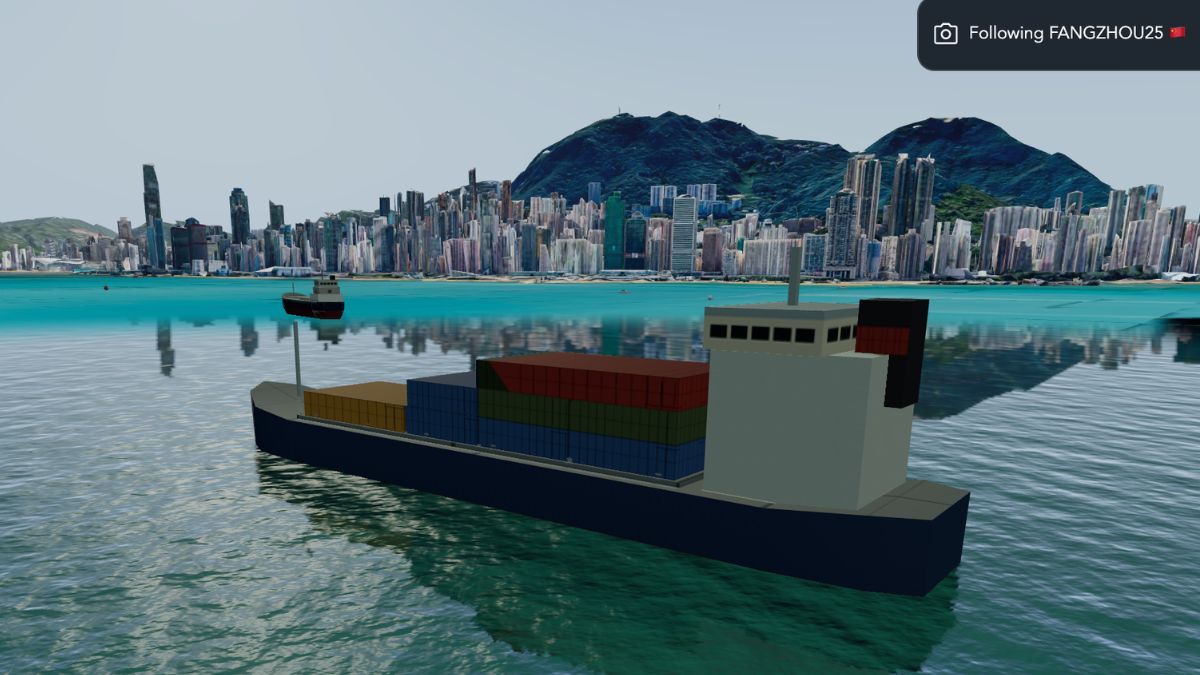
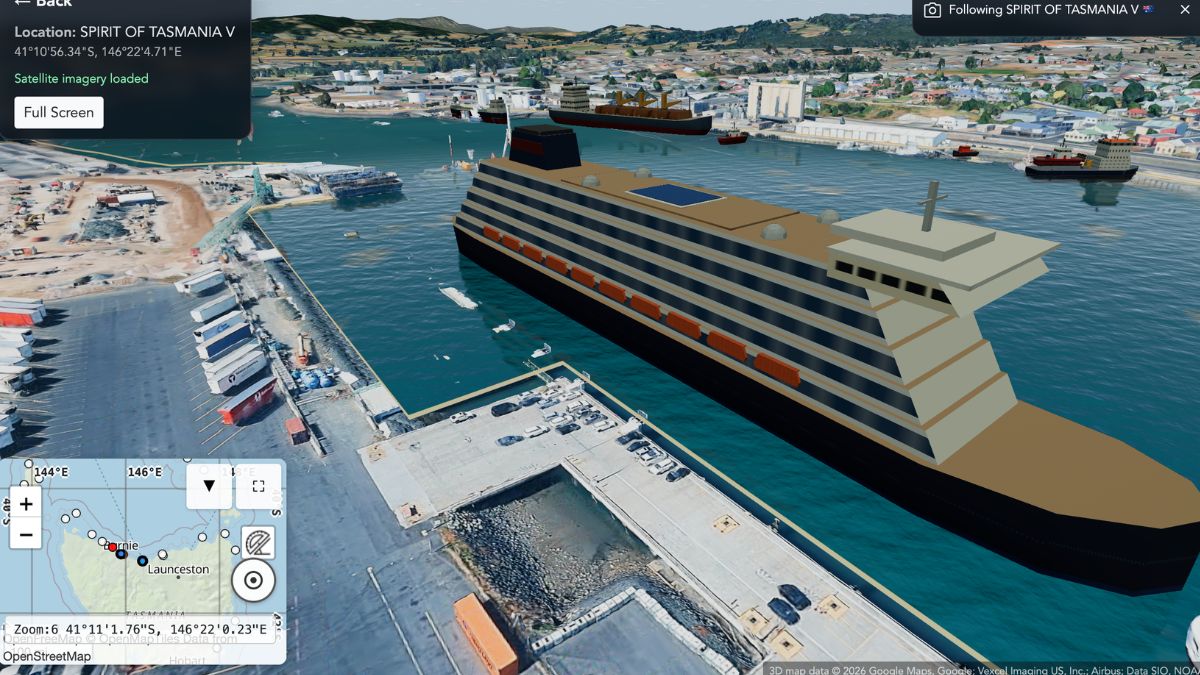
You are no longer alone out there. Globe now simulates ocean shipping and busier ports, based on real and simulated AIS (Automatic Identification System) traffic data. AIS is the system real vessels use to broadcast their identity, position and destination.
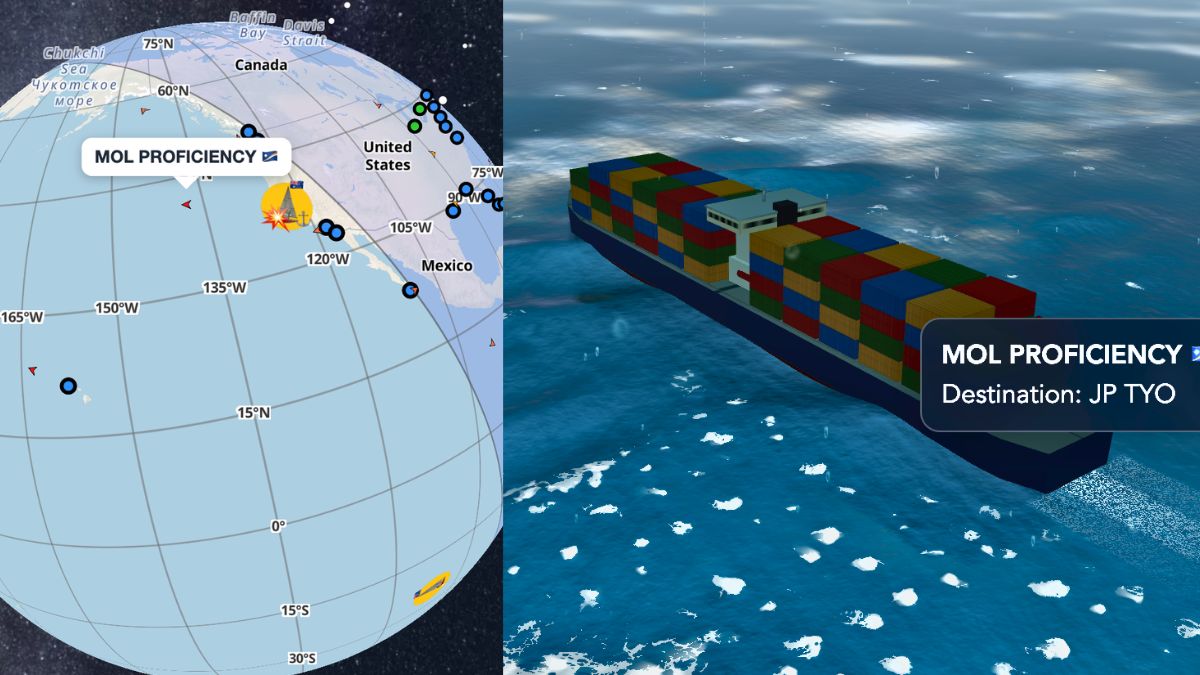
When you cross an ocean, keep a lookout as you approach a busy shipping lane. Container ships are big and do not stop quickly, so watch their course and give them plenty of room.
Closer to shore, ports are busier too, with ferries, cargo ships and other vessels coming and going.
Continue in your browser
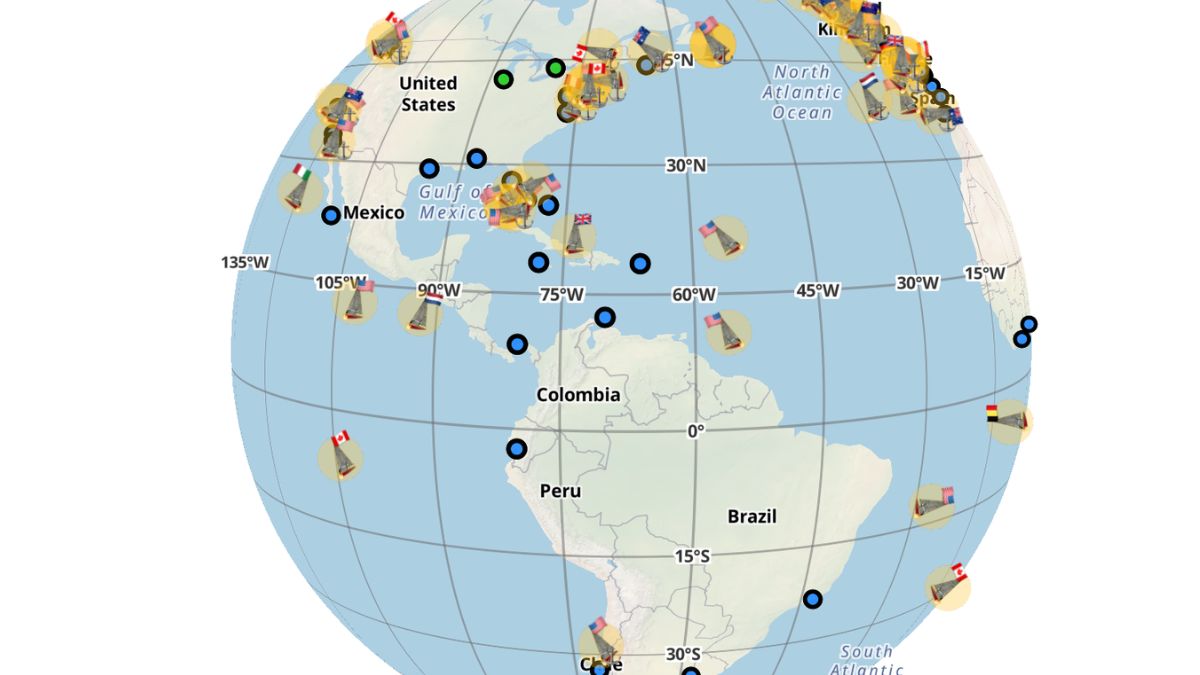
You can sail Globe in a modern web browser. Open your boat and choose View in 3D. Globe remains in beta; terrain, ports and consistency between sailing modes still have limitations. It is not for real-world navigation.
Next Globe Race: St John’s to the Confederation Bridge
A good way to put the update to work: the next Globe Race is open for registration and starts at 2115 UTC on November 15, 2026.
The race starts in St John’s, Newfoundland, and finishes at the north end of the Confederation Bridge between New Brunswick and Prince Edward Island. You can approach the finish from either direction, so the choice of which way to sail around Prince Edward Island is yours.
See you out there
Try the motor on your next approach, drop anchor near shore, or keep a lookout for shipping on your next ocean crossing.
Start or continue your voyage →
Then tell us what worked, what was confusing, and what you would like to see next. To discuss this update and Globe in general, join us on Discord →
Happy sailing,
Greg